Just pick a channel.
Open Discover, choose a country, and find something to watch. No account to create.
Find a channel, settle in. Keep your favorites close and your TV wherever you want it.
Free & open source macOS 13+ · Apple Silicon
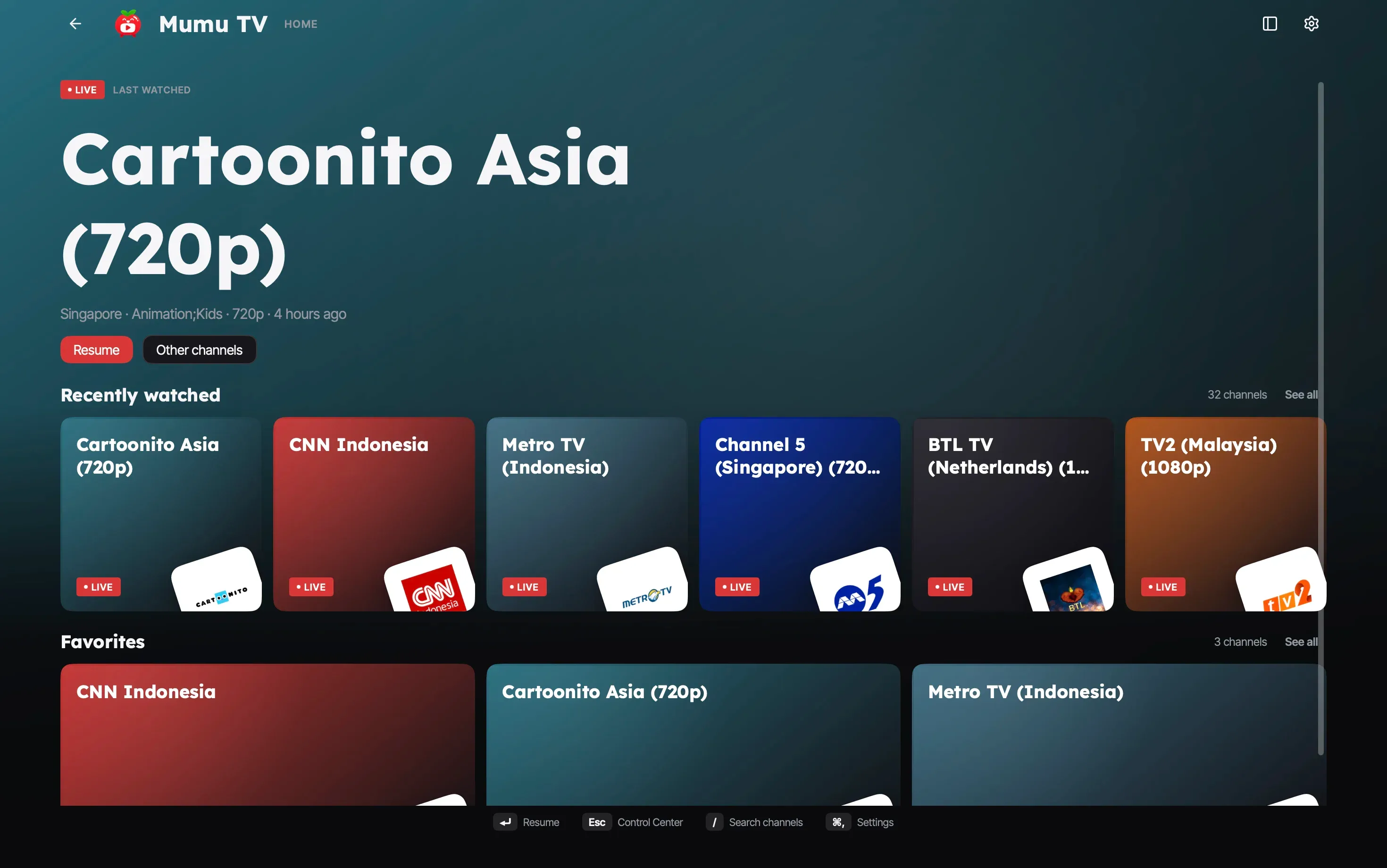
Pick a country. Find a familiar channel or something new. Your own playlists are welcome, too.
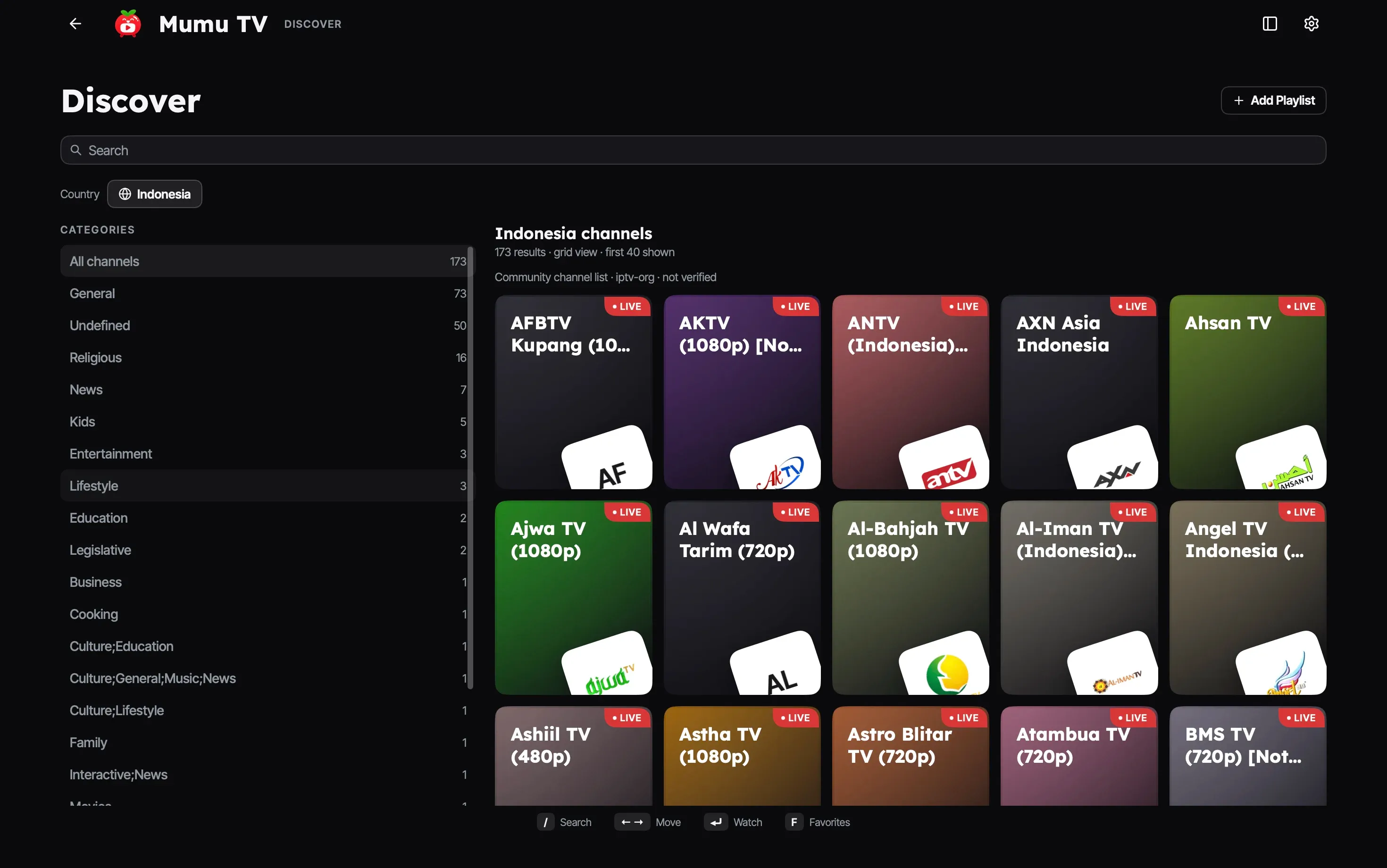
Browse by country and category, or search for a channel.
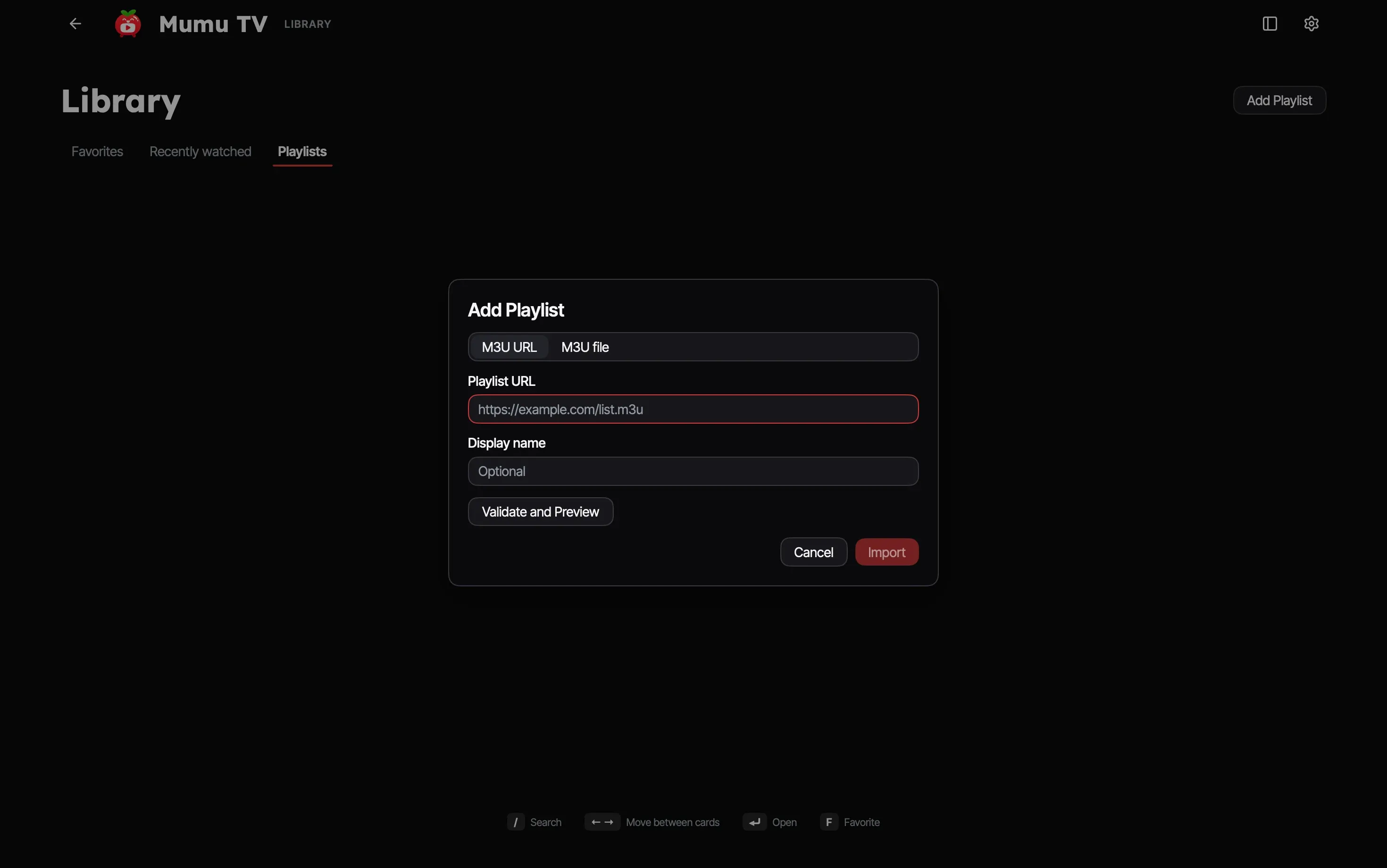
Import an M3U URL, a local playlist, or your own stream.
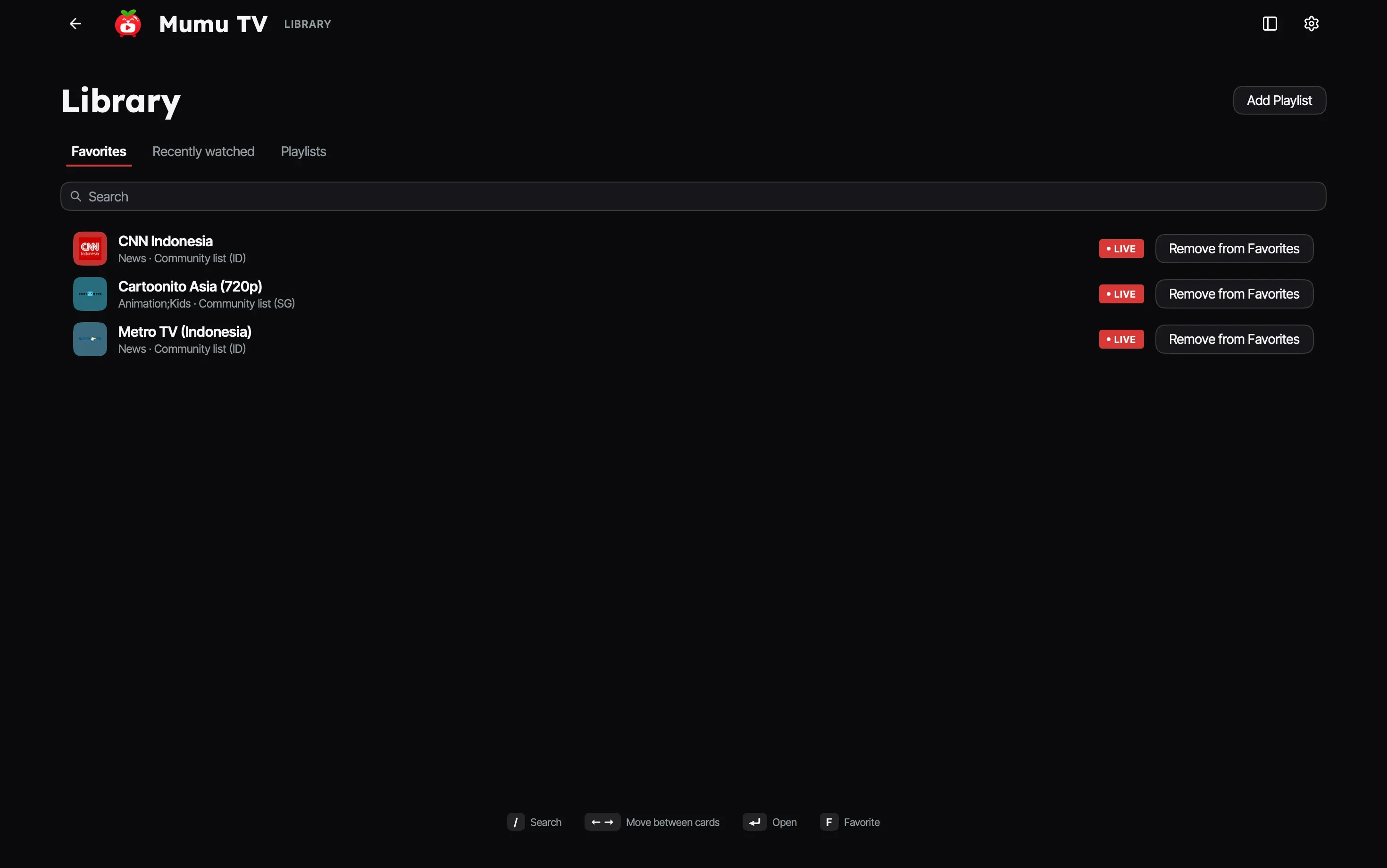
Your favorites and recently watched channels, together on your Mac.
A community catalog. Channel availability varies.
Keep watching while you reply, read, or finish that thing. Pop your TV out. Bring it back. Same channel, same session.

Interactive illustration, using a screenshot. No live stream.
Open Discover, choose a country, and find something to watch. No account to create.
Keep the channels you love together. Come back to your recent channels whenever you want.
A native app with your library stored on your device. Your TV gets its own space.
Free, open source, and made for your next quiet evening.
macOS 13+ · Apple Silicon · v0.1.0
Not notarized yet. See the installation guide before opening the app.
Mumu plays third-party streams. Availability depends on the source, your region, and your connection. Use sources you are authorized to watch.
The things people usually ask before tuning in.
Yes. Mumu is free and open source under the MIT license. No subscription and no account.
macOS 13 or later on Apple Silicon. Intel Macs are not supported in v0.1. Windows, Linux, iPhone, iPad, and Apple TV are not available yet.
The v0.1 build is unsigned and not notarized. Open it once, dismiss the warning, then allow it in System Settings > Privacy & Security > Open Anyway. The installation guide has the full steps.
Discover uses the iptv-org community catalog, which is labelled not verified. You can also import an M3U playlist from a URL or a local file, or add your own stream. A community catalog is not a license review. Only watch sources you are authorized to use, and expect Mumu not to bypass DRM or paywalls.
No account, cloud sync, or backend. Favorites, recent channels, playlists, and settings are stored locally on your Mac with SQLite. Network access is only for catalogs, logos, and the streams you choose.
Yes. PiP uses the same playback session in a native floating window. Returning to the main window keeps the pause state, and closing PiP stops playback.
Not in v0.1. Recording, time-shift, and EPG are outside the first release. Ordinary live streams are not always seekable.
Try another channel, refresh the playlist, or import it again. Streams can go offline or change at any time, and not every M3U URL is online or compatible. If the problem repeats, open an issue on GitHub.
Still have questions?Open an issue on GitHub